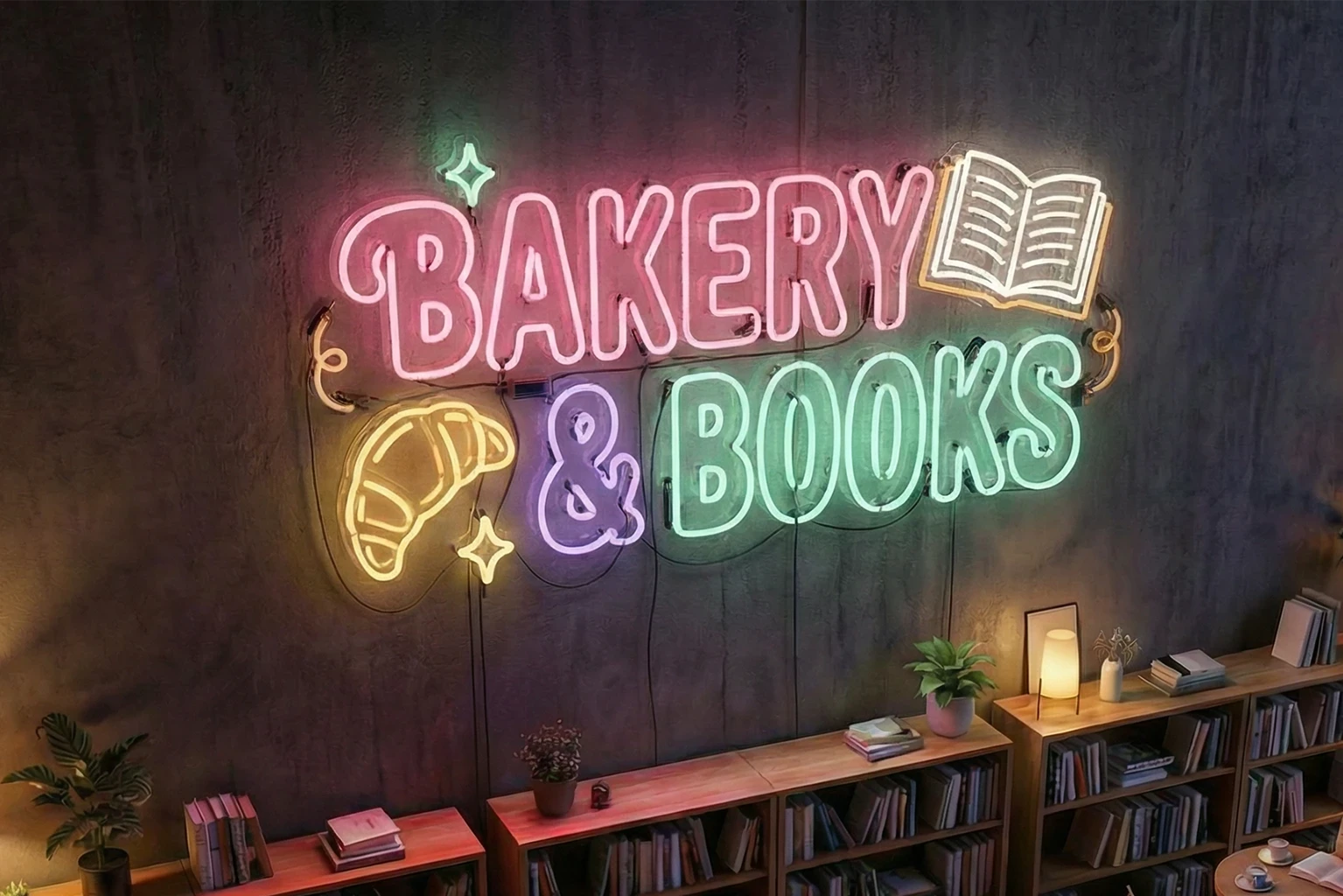
3D Sign 1
Signs
Overview
This workflow includes everything you need to visualize 3D signs on your own—especially designed for non-designers and sign businesses. But limited? Far from it. It's crafted professionally to help sign businesses scale without bottlenecks. Whether you're a designer or not, it speeds up the visualization process, produces professional results, and enhances productivity.
Overview
This workflow includes everything you need to visualize 3D signs on your own—especially designed for non-designers and sign businesses. But limited? Far from it. It's crafted professionally to help sign businesses scale without bottlenecks. Whether you're a designer or not, it speeds up the visualization process, produces professional results, and enhances productivity.
Overview
This workflow includes everything you need to visualize 3D signs on your own—especially designed for non-designers and sign businesses. But limited? Far from it. It's crafted professionally to help sign businesses scale without bottlenecks. Whether you're a designer or not, it speeds up the visualization process, produces professional results, and enhances productivity.
Overview
This workflow includes everything you need to visualize 3D signs on your own—especially designed for non-designers and sign businesses. But limited? Far from it. It's crafted professionally to help sign businesses scale without bottlenecks. Whether you're a designer or not, it speeds up the visualization process, produces professional results, and enhances productivity.
(3:2) 4000px X 2666px
200 MB (FILE SIZE)
Min 16-GB RAM


Sample
Use Cases
Explore how this workflow transforms flat designs into precise, realistic deliverables—helping you visualize projects and win clients in minutes.
Sample
Use Cases
Explore how this workflow transforms flat designs into precise, realistic deliverables—helping you visualize projects and win clients in minutes.
Sample
Use Cases
Explore how this workflow transforms flat designs into precise, realistic deliverables—helping you visualize projects and win clients in minutes.
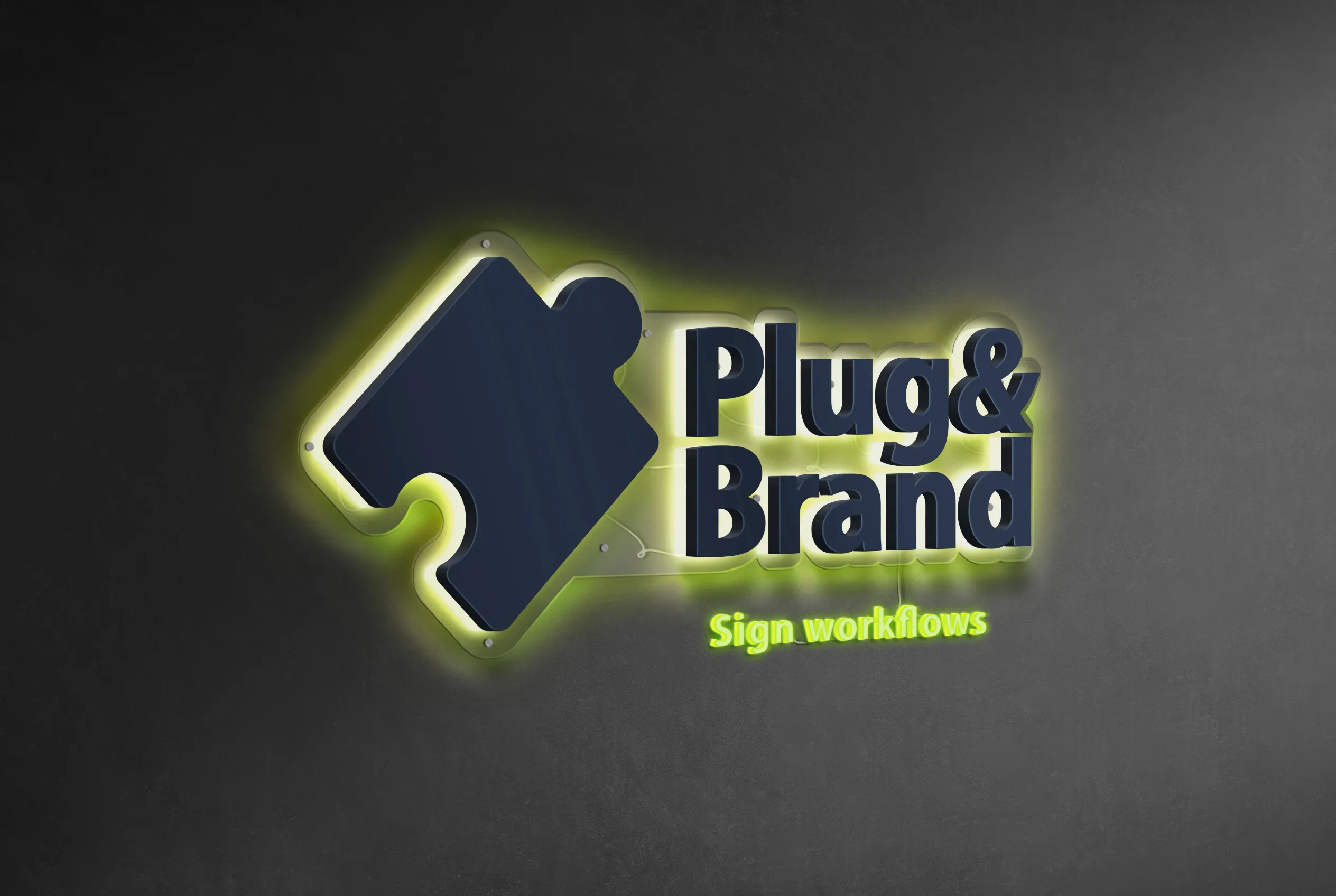
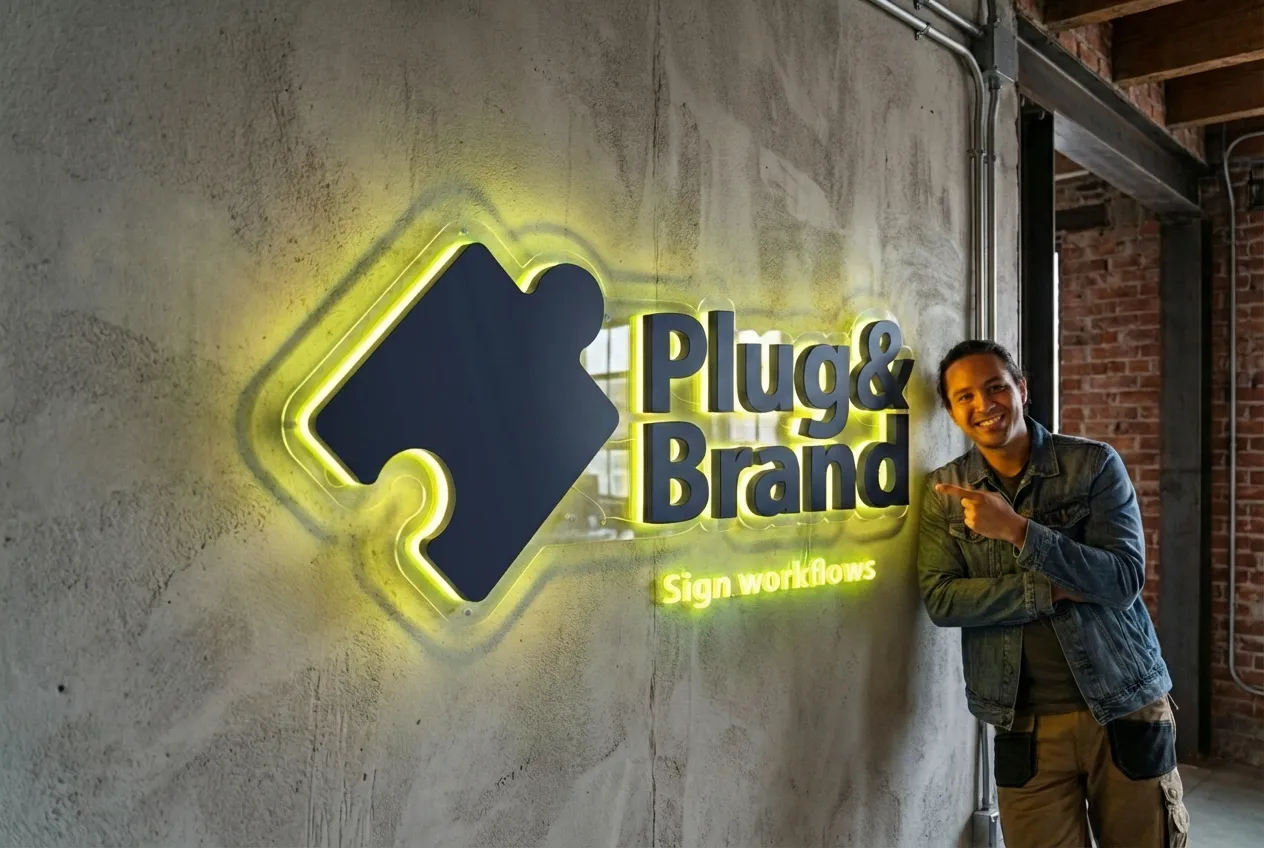
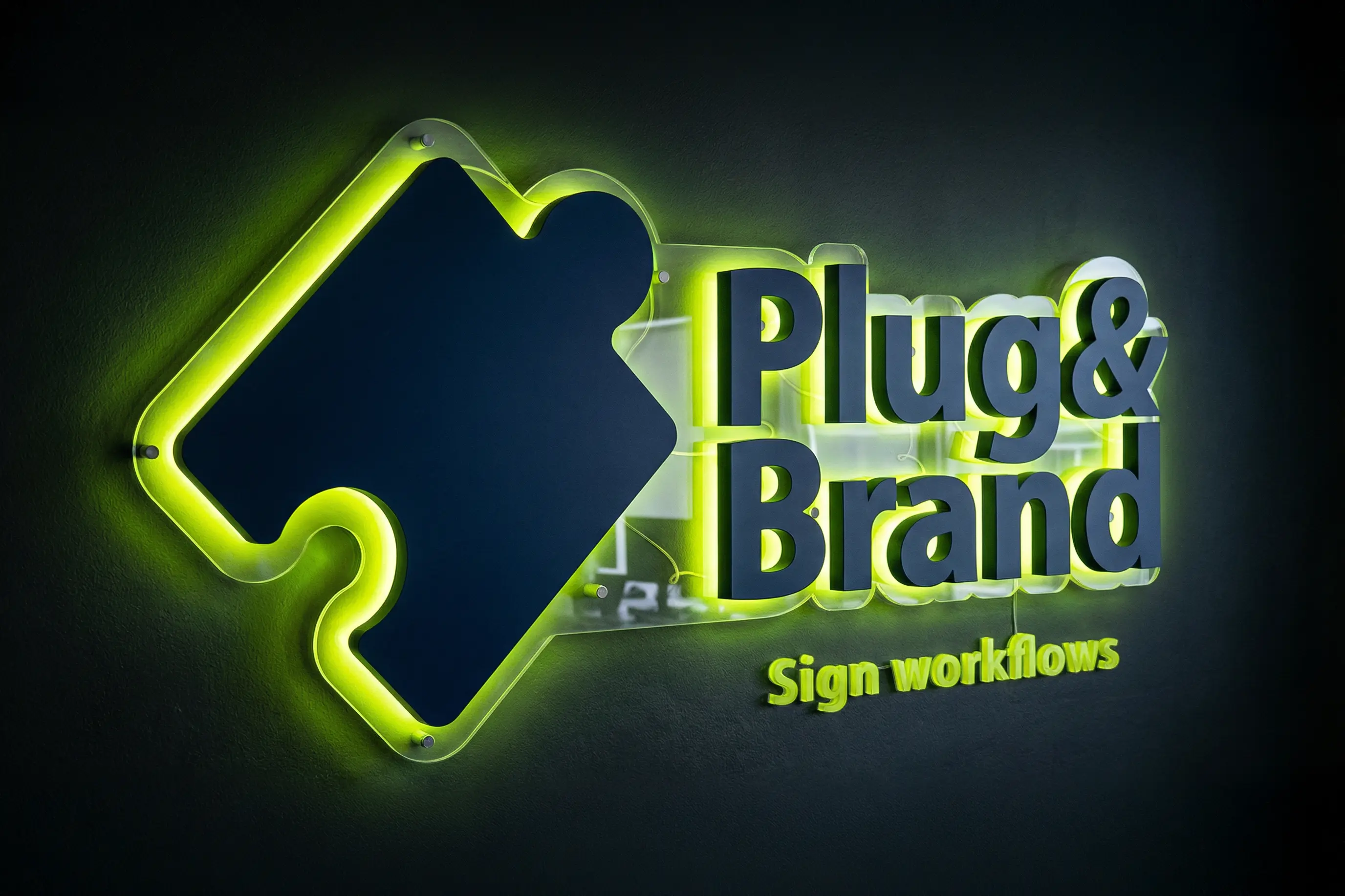
Example 01
Backlit with a Backboard main sign & 3D light tagline
Overview: This use case combines backlight illuminated signage with an illuminated acrylic dimensional lettering.
Key inputs:
Lettering Design Input (see sample)
Backboard Design Input (see sample)
Mounting Hardware Layout Input (see sample)
Freehand wiring
AI contribution: optional/ partial
In this use case, AI was only used with lifestyle visuals.
input

Non-AI Output

AI Output

input

Non-AI Output

AI Output

input

Non-AI Output

AI Output
Example 02
Unilluminated Sign with normal shadows
Overview: This use case combines backlight illuminated signage with an illuminated acrylic dimensional lettering.
Key inputs:
Lettering Design Input (see sample)
Backboard Design Input (see sample)
Mounting Hardware Layout Input (see sample)
Freehand wiring
AI contribution: optional/ partial
In this use case, AI was only used with lifestyle visuals.
input
Non-AI Output

input
Non-AI Output

input
Non-AI Output
Example 03
Frontlight on a box and realistic shadows
Overview: This use case combines backlight illuminated signage with an illuminated acrylic dimensional lettering.
Key inputs:
Lettering Design Input (see sample)
Backboard Design Input (see sample)
Mounting Hardware Layout Input (see sample)
Freehand wiring
AI contribution: optional/ partial
In this use case, AI was only used with lifestyle visuals.
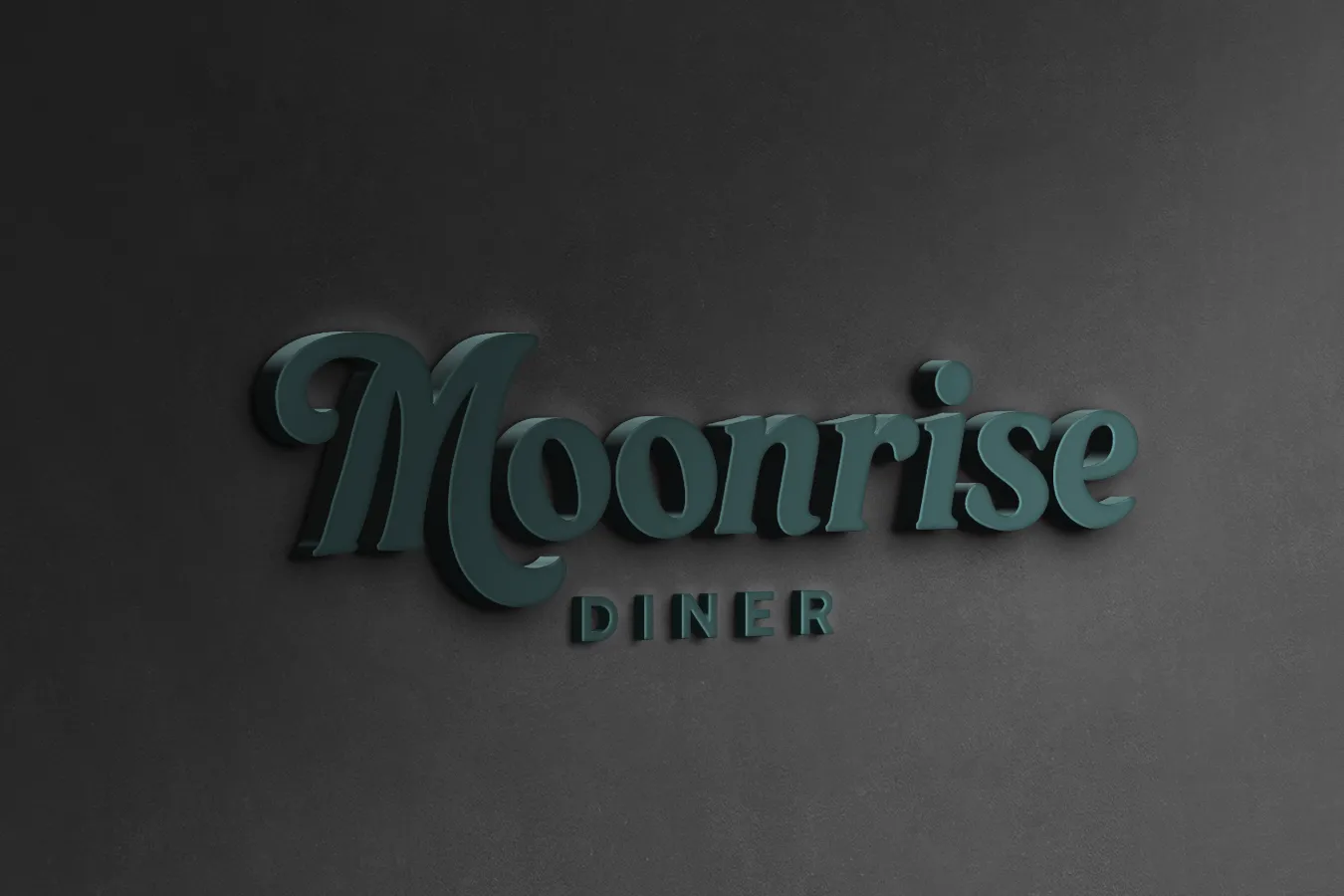
input
Non-AI Output

input
Non-AI Output

input
Non-AI Output
Benefits
What You Get
Transform your signage projects with our AI-enhanced workflow. Easily visualize, refine, and present professional signage solutions that win client approval.
Benefits
What You Get
Transform your signage projects with our AI-enhanced workflow. Easily visualize, refine, and present professional signage solutions that win client approval.
Precise control
By maintaining full control over each component of your signage design, you ensure that every detail aligns perfectly with your vision and aesthetic preferences, eliminating costly revisions and miscommunication.
Fast visualization
By generating realistic renders in minutes rather than hours or days, you can accelerate your approval process, respond to client feedback quickly, and move projects from concept to production faster than ever before.
Design-constrained AI
By leveraging AI within defined design parameters, you can enhance creativity and efficiency while maintaining professional standards and ensuring that automated elements seamlessly integrate with your carefully crafted designs.
Precise control
By maintaining full control over each component of your signage design, you ensure that every detail aligns perfectly with your vision and aesthetic preferences, eliminating costly revisions and miscommunication.
Fast visualization
By generating realistic renders in minutes rather than hours or days, you can accelerate your approval process, respond to client feedback quickly, and move projects from concept to production faster than ever before.
Design-constrained AI
By leveraging AI within defined design parameters, you can enhance creativity and efficiency while maintaining professional standards and ensuring that automated elements seamlessly integrate with your carefully crafted designs.
Precise control
By maintaining full control over each component of your signage design, you ensure that every detail aligns perfectly with your vision and aesthetic preferences, eliminating costly revisions and miscommunication.
Fast visualization
By generating realistic renders in minutes rather than hours or days, you can accelerate your approval process, respond to client feedback quickly, and move projects from concept to production faster than ever before.
Design-constrained AI
By leveraging AI within defined design parameters, you can enhance creativity and efficiency while maintaining professional standards and ensuring that automated elements seamlessly integrate with your carefully crafted designs.
Features
Streamline Your Workflow
Every tool you need to design, visualize, and deliver professional signage—from precise hardware placement to AI-enhanced backgrounds, and customer space integration.
Features
Streamline Your Workflow
Every tool you need to design, visualize, and deliver professional signage—from precise hardware placement to AI-enhanced backgrounds, and customer space integration.
Mounting hardware
Visualize exact hardware placement in realistic renders. Show clients precisely how the finished sign will look, speed up approvals with accurate representations, and present professional proposals that clearly communicate your vision.
Visible wiring details
By including wiring representations in your renders, you can help clients visualize the final appearance and understand how lighting elements integrate into the overall desig, and set realistic expectations.
Custom backboard design
Complete control over backboard color and transparency. Visualize backboard splitting for shipping, preview how opacity affects illumination, and test color combinations against brand guidelines before production.
Pre-built presets
By saving your frequently used configurations—including colors, illumination settings, and material specifications—you can instantly recall setups, preserve consistency, and eliminate repetitive configuration work.
Illumination techniques
By experimenting with different lighting methods and colors in the digital space, you can help clients visualize day and night appearances, and select the perfect illumination before committing to production.
Client Space Integration
Your clients can capture angle-aligned photos of actual walls using a camera app with a grid overlay. These real-world images serve as authentic backgrounds for visualizations, so mockups reflect the actual installation site.
Mounting hardware
Visualize exact hardware placement in realistic renders. Show clients precisely how the finished sign will look, speed up approvals with accurate representations, and present professional proposals that clearly communicate your vision.
Custom backboard design
Complete control over backboard color and transparency. Visualize backboard splitting for shipping, preview how opacity affects illumination, and test color combinations against brand guidelines before production.
Illumination techniques
By experimenting with different lighting methods and colors in the digital space, you can help clients visualize day and night appearances, and select the perfect illumination before committing to production.
Visible wiring details
By including wiring representations in your renders, you can help clients visualize the final appearance and understand how lighting elements integrate into the overall desig, and set realistic expectations.
Pre-built presets
By saving your frequently used configurations—including colors, illumination settings, and material specifications—you can instantly recall setups, preserve consistency, and eliminate repetitive configuration work.
Client Space Integration
Your clients can capture angle-aligned photos of actual walls using a camera app with a grid overlay. These real-world images serve as authentic backgrounds for visualizations, so mockups reflect the actual installation site.
Mounting hardware
Visualize exact hardware placement in realistic renders. Show clients precisely how the finished sign will look, speed up approvals with accurate representations, and present professional proposals that clearly communicate your vision.
Illumination techniques
By experimenting with different lighting methods and colors in the digital space, you can help clients visualize day and night appearances, and select the perfect illumination before committing to production.
Pre-built presets
By saving your frequently used configurations—including colors, illumination settings, and material specifications—you can instantly recall setups, preserve consistency, and eliminate repetitive configuration work.
Custom backboard design
Complete control over backboard color and transparency. Visualize backboard splitting for shipping, preview how opacity affects illumination, and test color combinations against brand guidelines before production.
Visible wiring details
By including wiring representations in your renders, you can help clients visualize the final appearance and understand how lighting elements integrate into the overall desig, and set realistic expectations.
Client Space Integration
Your clients can capture angle-aligned photos of actual walls using a camera app with a grid overlay. These real-world images serve as authentic backgrounds for visualizations, so mockups reflect the actual installation site.
Wrokflow
Variaitons
This workflow will allow you to use all of the below vaiations wether standaloe or integrated together.
Wrokflow
Variaitons
This workflow will allow you to use all of the below vaiations wether standaloe or integrated together.
Unilluminated Sign
Frontlit Sign
Backlit Sign
Front&Backlit Sign
With Backboard
On A Box
3D Light
Day & Night (On/Off)
Gallery


Join our newsletter list
Sign up to get the most recent articles on visual production, template systems, and AI workflows delivered to your inbox.
Explore
Related Workflows
Explore
Related Workflows
More Articles
Latest Blogs
More Articles
Latest Blogs
More Articles