SS Tumbler 1

Candles

This workflow helps you produce clean, on‑brand candle jar visuals inside Photoshop—built for straight‑sided tumbler jars and designed to keep label placement, proportions, and brand rules consistent across every scent.

This workflow helps you produce clean, on‑brand candle jar visuals inside Photoshop—built for straight‑sided tumbler jars and designed to keep label placement, proportions, and brand rules consistent across every scent.

(1:1) 1024px X 1024px

95 MB

Min 8-GB RAM

Clear Glass

Frosted Glass

Tinted Glass

Matte Opaque

Glossy Opaque

Wax Color Variations

Lit/ Unlit wick

Adjustable Label

Adjustable Tag

Workflow ID

Sample

Use Cases

Explore how this workflow transforms flat designs into precise, realistic deliverables—helping you visualize projects and win clients in minutes.

Example 01

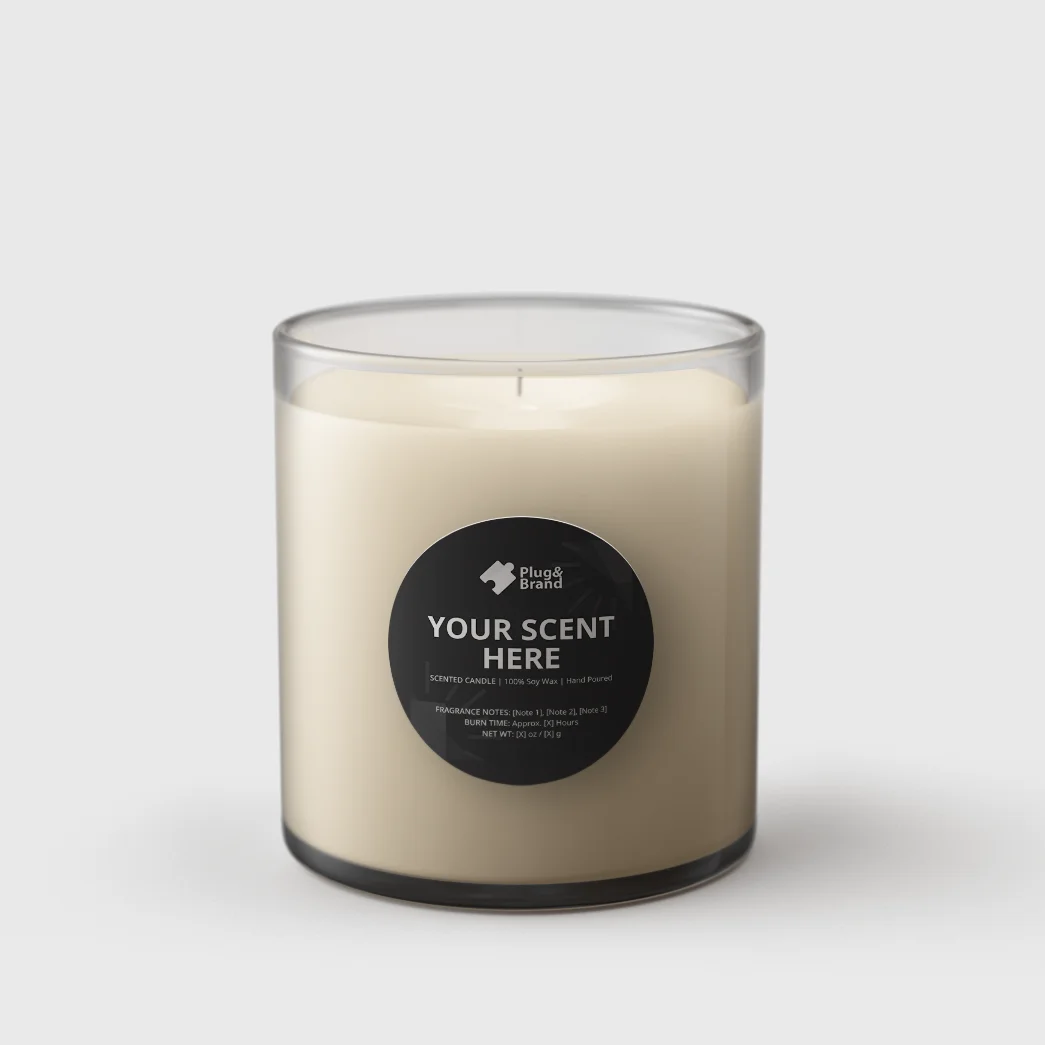
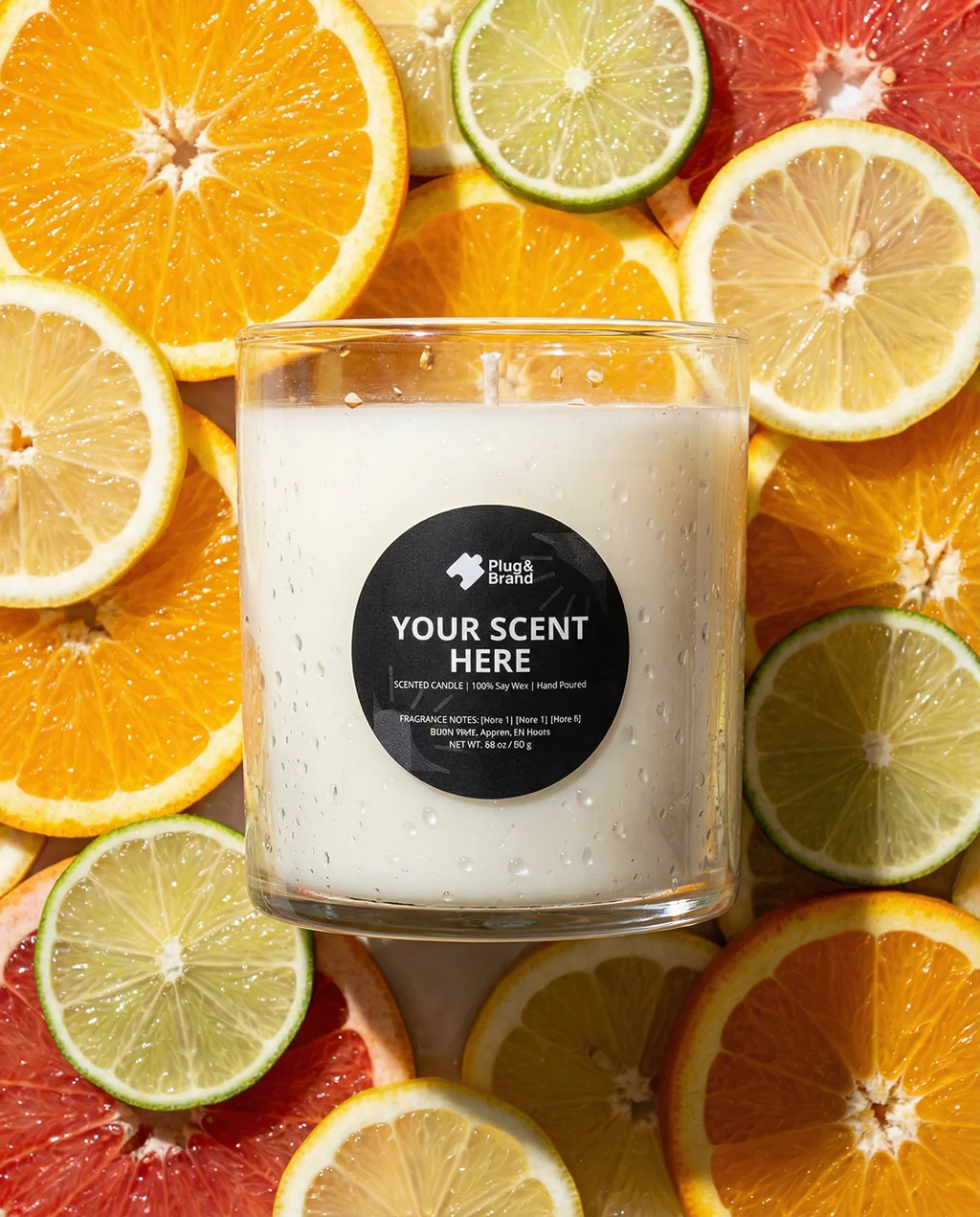
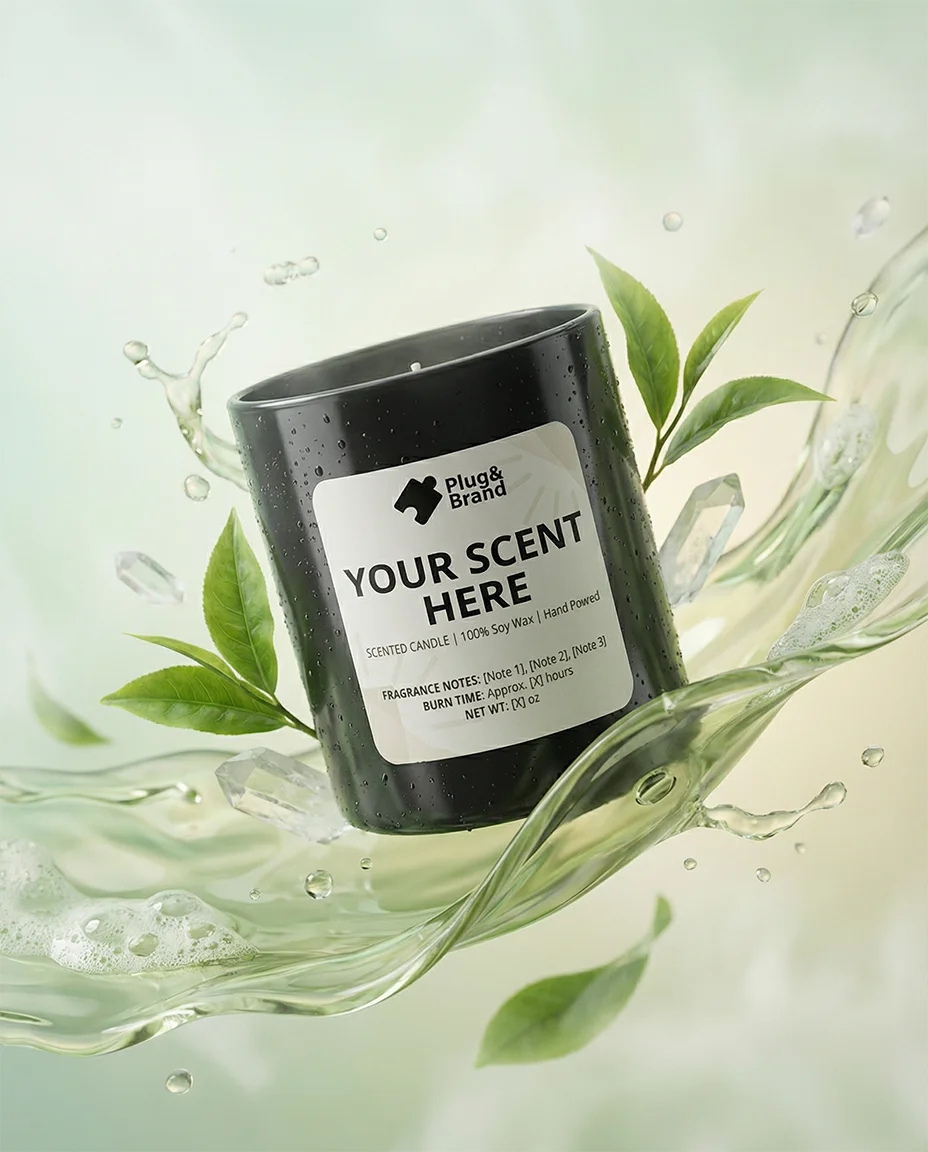
Clear Glass Studio Shot

Overview: This use case combines a clear glass tumbler and a round label.

Key inputs:

  • Label Design.

  • Wax color.

AI contribution: optional/ partial

In this use case, AI was only used with the artistic studio visual.
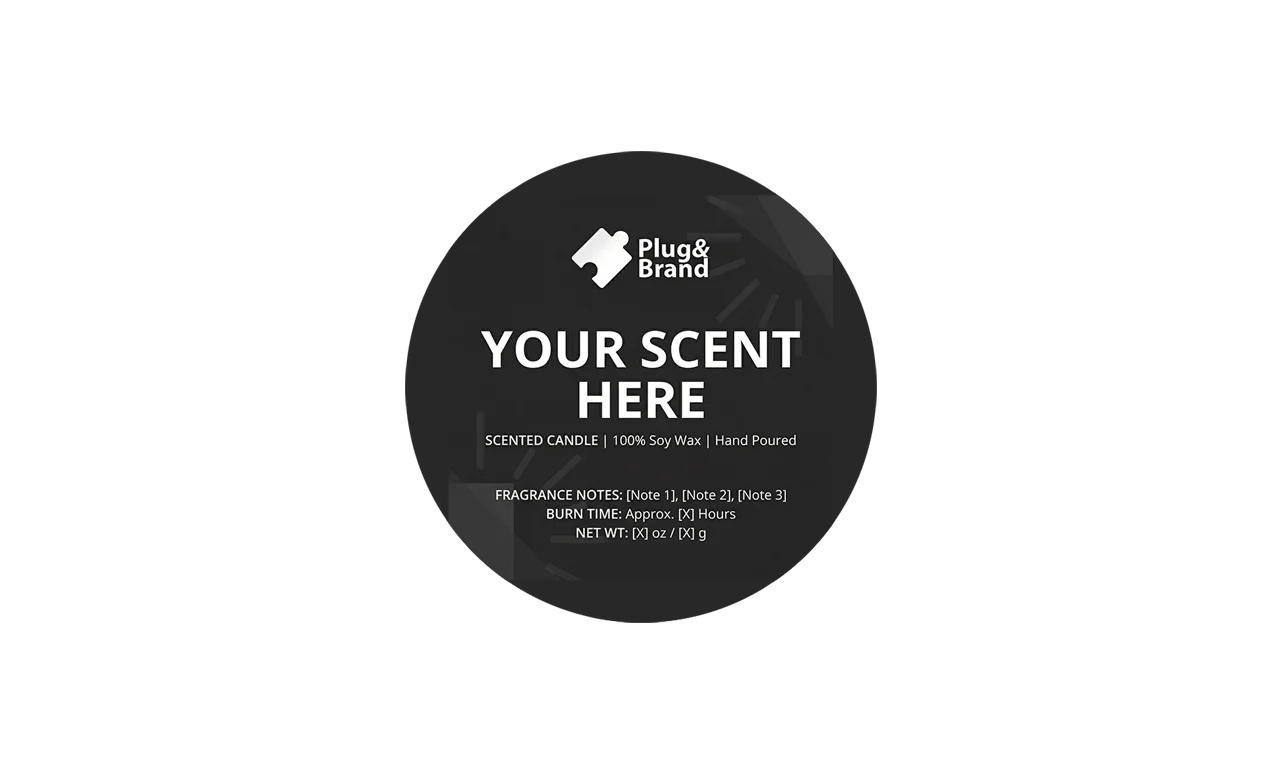
  • input 1 (Label Design)

  • Base Image (Non-AI Output)

  • AI Output

Example 02

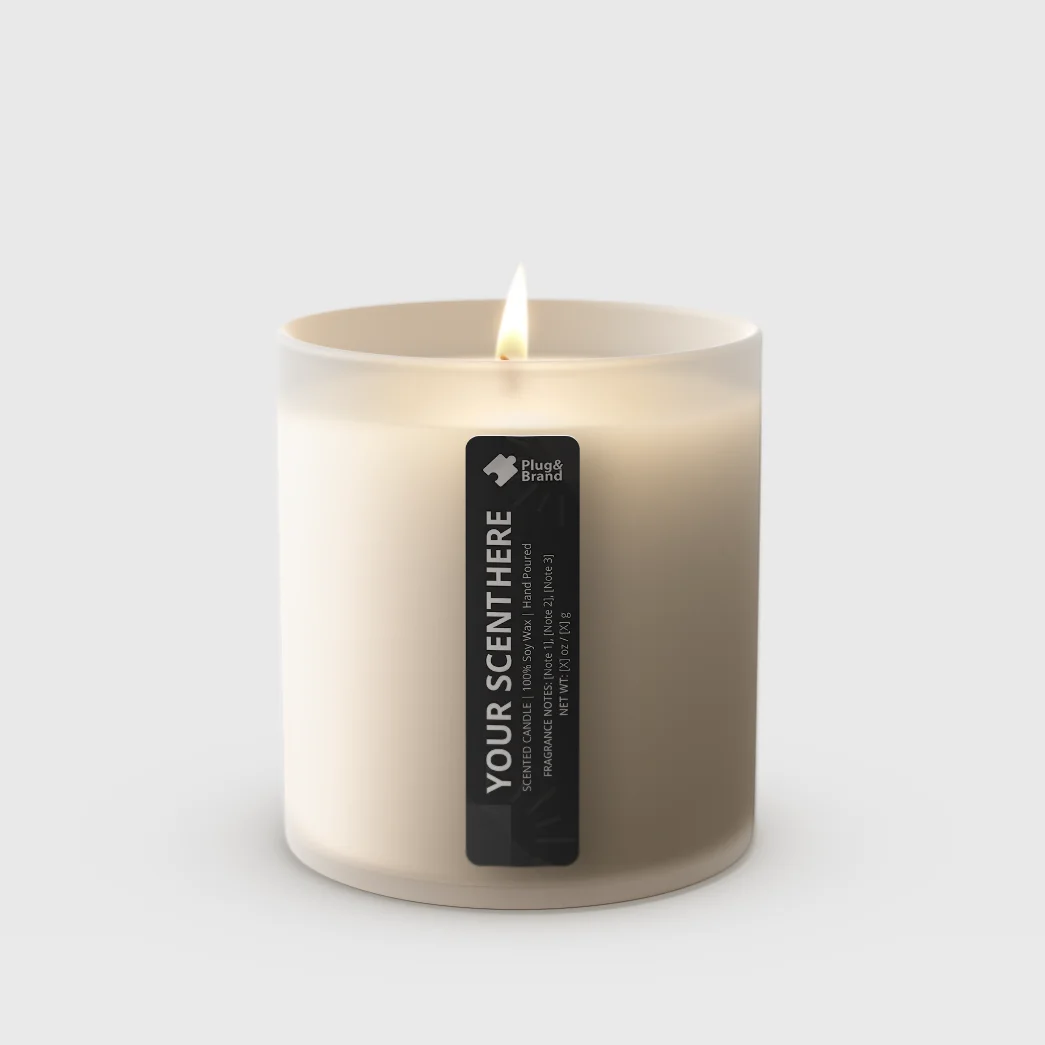
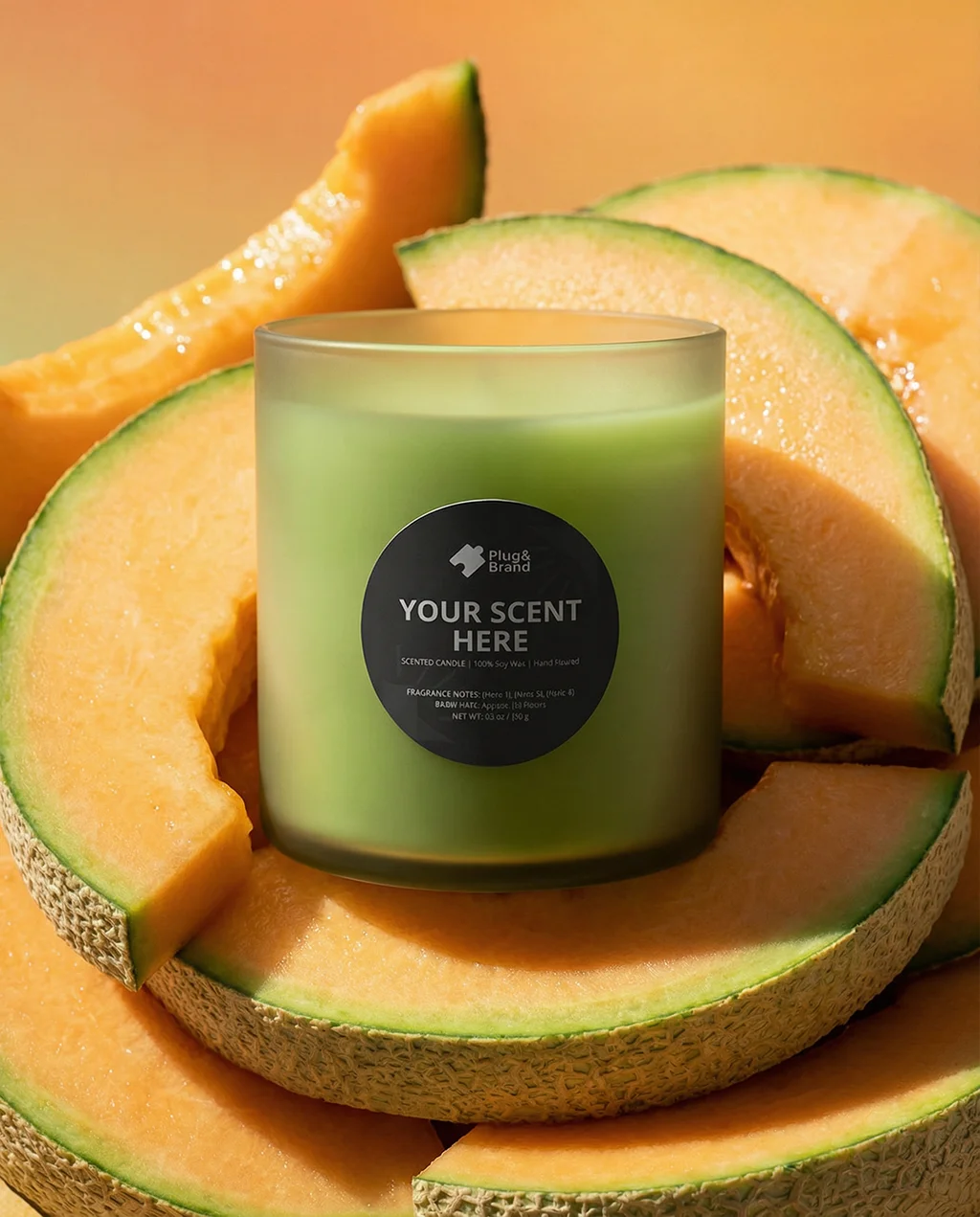
Frosted Glass Lifestyle Shot

Overview: This use case combines a frosted glass tumbler and a strip label.

Key inputs:

  • Label Design.

  • Wax color.

AI contribution: optional/ partial

In this use case, AI was only used with the lifestyle shot.
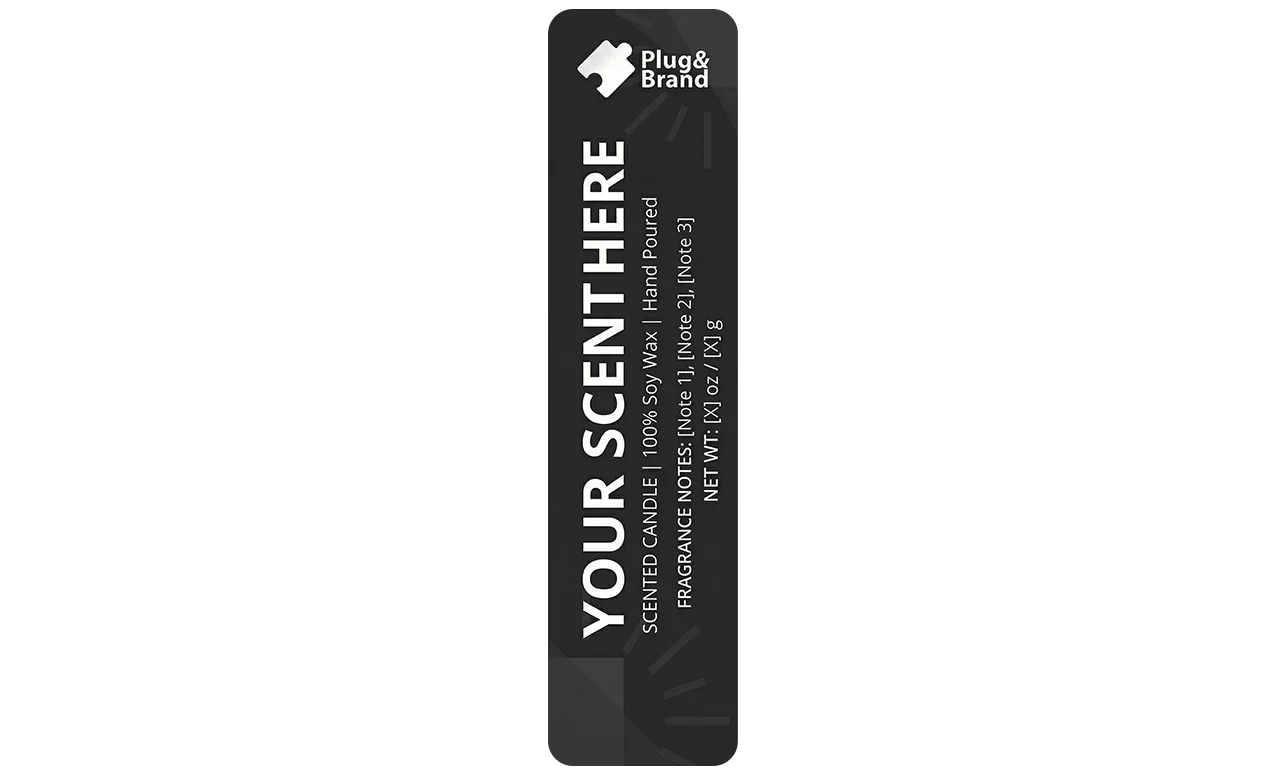
  • input 1 (Label Design)

  • Base Image (Non-AI Output)

  • AI Output

  • input

  • Base Image (Non-AI Output)

  • AI Output

  • input 1 (Label Design)

  • Base Image (Non-AI Output)

  • AI Output

Example 03

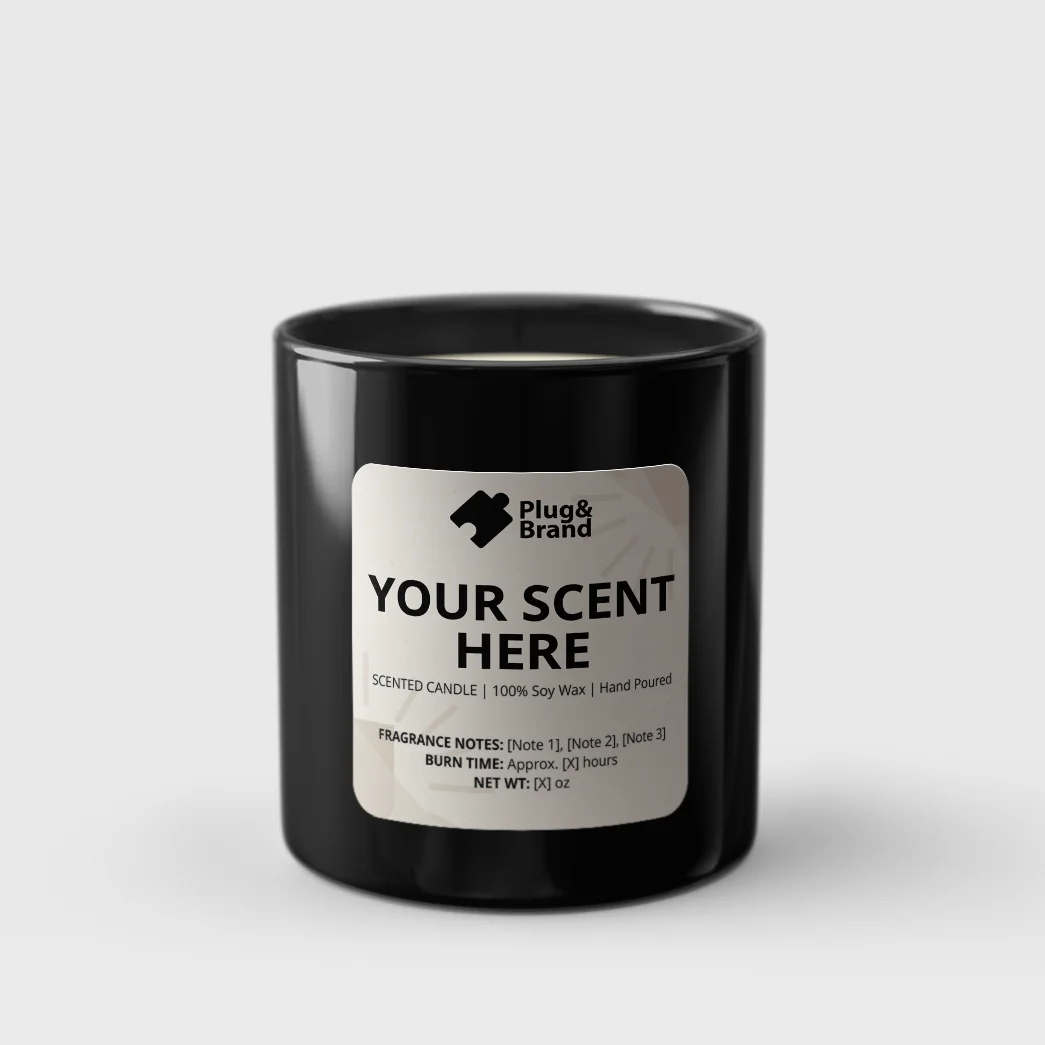
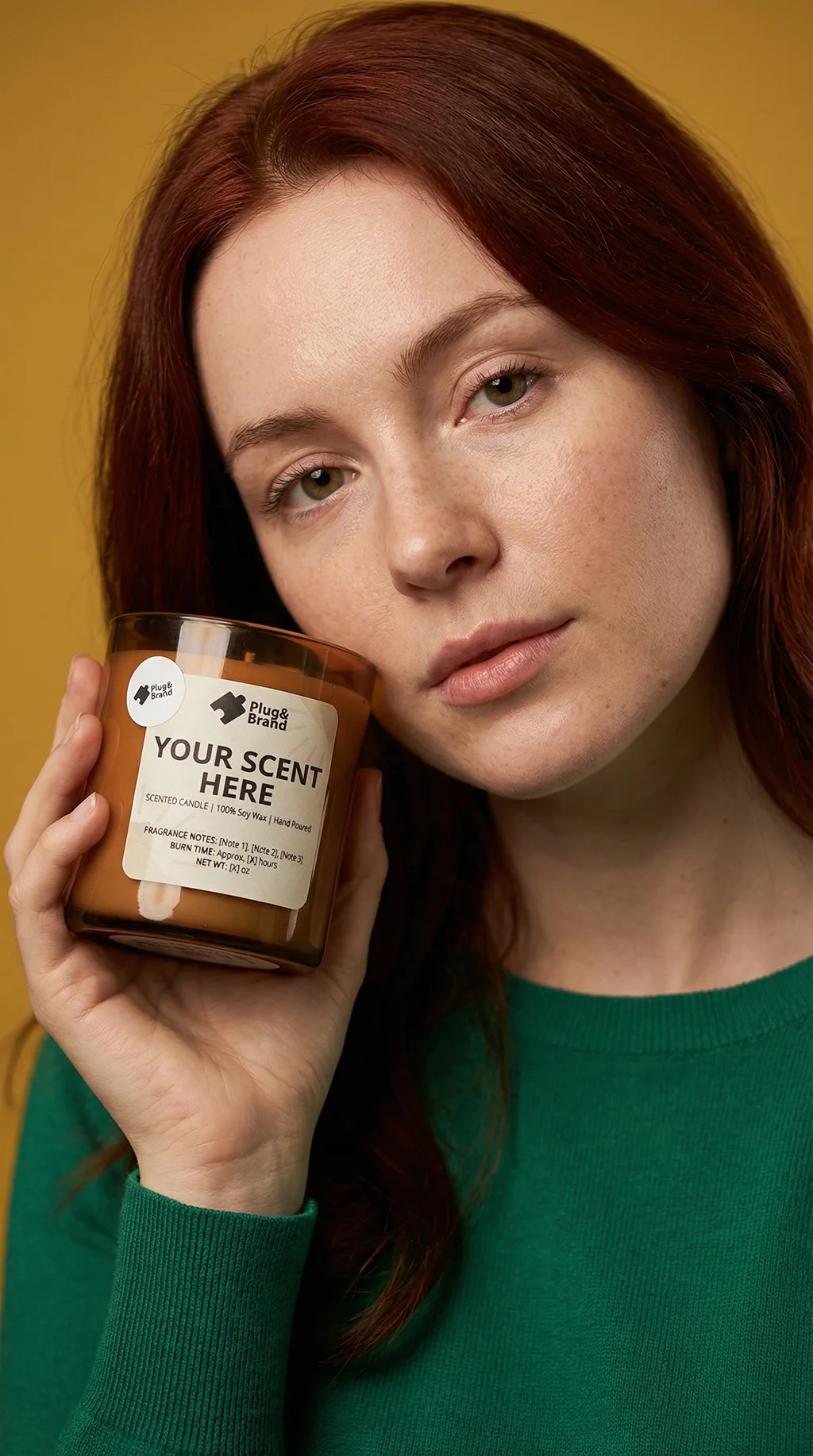
Opaque Ceramic Editorial

Overview: This use case combines an opaque tumbler and a rectangular label.

Key inputs:

  • Label Design.

  • Tumbler color.

AI contribution: optional/ partial

In this use case, AI was only used with the artistic editorial shot visual.
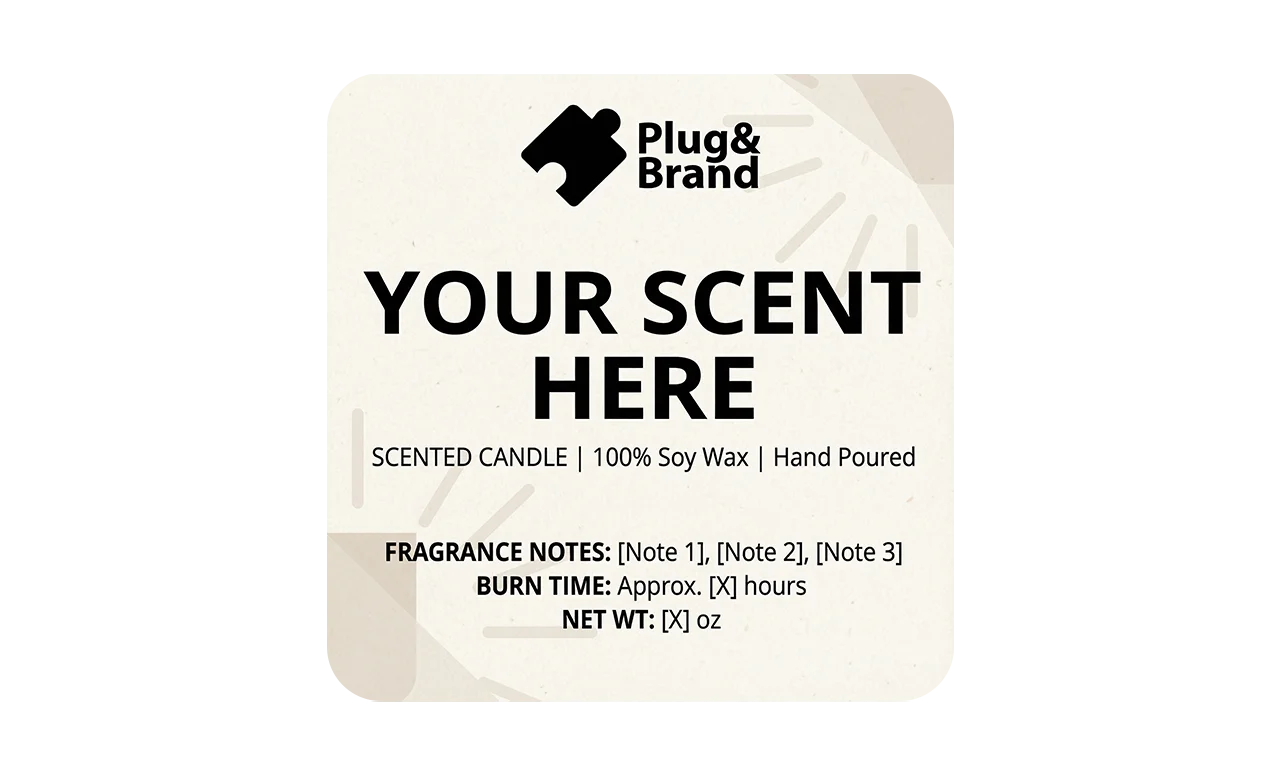
  • input 1 (Label Design)

  • Base Image (Non-AI Output)

  • AI Output

Benefits

What You Get

Create production‑ready candle visuals in minutes—without rebuilding mockups from scratch.

Launch new scents faster

Swap label variants instantly while keeping a consistent camera, crop, and product scale.

Consistent product presentation

The jar stays aligned, proportions stay realistic, and your label stays readable and brand‑accurate.

Design‑constrained AI

AI supports controlled scene generation (surfaces, props, lighting mood) without drifting from your packaging system.

Launch new scents faster

Swap label variants instantly while keeping a consistent camera, crop, and product scale.

Consistent product presentation

The jar stays aligned, proportions stay realistic, and your label stays readable and brand‑accurate.

Design‑constrained AI

AI supports controlled scene generation (surfaces, props, lighting mood) without drifting from your packaging system.

Features

Streamline Your Workflow

Every tool you need to deliver predictable candle visuals—from label discipline to glass realism.

Auto Label placement + Wrap Discipline

Lock label height, centerline, and safe margins so every export is consistent across the full product line.

Shadow + Contact Realism

Clean, controllable grounding shadows that make the jar feel physically present on surfaces.

Straight‑Sided Tumbler Realism Controls

Keep believable cylinder geometry (no warped glass, no “oval” label distortion) while you change finishes and wax tone.

Pre‑built Prompt Presets For Lifestyle Scenes

Generate warm, believable environments while keeping the product as the sharp focal point.

Glass / Wax / Flame Variations

Switch between clear vs frosted vs amber glass, adjust wax tone, and choose unlit vs lit mood (where supported).

Auto Label placement + Wrap Discipline

Lock label height, centerline, and safe margins so every export is consistent across the full product line.

Straight‑Sided Tumbler Realism Controls

Keep believable cylinder geometry (no warped glass, no “oval” label distortion) while you change finishes and wax tone.

Glass / Wax / Flame Variations

Switch between clear vs frosted vs amber glass, adjust wax tone, and choose unlit vs lit mood (where supported).

Shadow + Contact Realism

Clean, controllable grounding shadows that make the jar feel physically present on surfaces.

Pre‑built Prompt Presets For Lifestyle Scenes

Generate warm, believable environments while keeping the product as the sharp focal point.

Auto Label placement + Wrap Discipline

Lock label height, centerline, and safe margins so every export is consistent across the full product line.

Glass / Wax / Flame Variations

Switch between clear vs frosted vs amber glass, adjust wax tone, and choose unlit vs lit mood (where supported).

Pre‑built Prompt Presets For Lifestyle Scenes

Generate warm, believable environments while keeping the product as the sharp focal point.

Straight‑Sided Tumbler Realism Controls

Keep believable cylinder geometry (no warped glass, no “oval” label distortion) while you change finishes and wax tone.

Shadow + Contact Realism

Clean, controllable grounding shadows that make the jar feel physically present on surfaces.

Wrokflow

Variaitons

This workflow will allow you to use all of the below vaiations wether standaloe or integrated together.

Clear Glass

Frosted Glass

Tinted Glass

Matte Opaque

Glossy Opaque

Wax Color Variations

Lit/ Unlit wick

Adjustable Label

Adjustable Tag

This

Works Best When

Plug&Brand is built for predictable, production-ready results. That means the system has clear boundaries. These boundaries exist to protect your time, your brand consistency, and the reliability of your output.

You're Small & Ambitious

You know what you want, have your clear vision, even if you lack the design skills.

You're Scaling

The business is scaling beyond breaking even, and you're ready for investing in systems.

You're Productive

You appreciate productivity and efficient workflows, and want to activate beast mode.

You're Small & Ambitious

You know what you want, have your clear vision, even if you lack the design skills.

You're Scaling

The business is scaling beyond breaking even, and you're ready for investing in systems.

You're Productive

You appreciate productivity and efficient workflows, and want to activate beast mode.

Constraints

You Need To Know

The Plug&Brand system introduces a wide range of features and benefits that enables small businesses of producing professional visuals from day one, however, like anything, it has its constraints.

Photoshop dependency

Workflows run in Photoshop and depend on well‑structured PSD/PSB files and the Plug&Brand plugin.

Model‑specific limits

Output sizes, aspect ratios, and reference behaviors vary by AI model.

Local resources

Larger PSD/PSB files require more RAM to run smoothly—especially with multiple workflows open.

Probabilistic AI

Even with great presets, AI can produce “impressive but unusable” results. The workflow assumes you keep what passes QA and iterate.

Internet required

AI generation and plugin operation require an internet connection.

PS Version Stability

Photoshop receives periodic updates, which can sometimes break the plugin’s compatibility. This is why you’ll find the compatible/ tested version(s) stated in each workflow’s page. (26.10+; typically you should stay on the tested version.

Photoshop dependency

Workflows run in Photoshop and depend on well‑structured PSD/PSB files and the Plug&Brand plugin.

Local resources

Larger PSD/PSB files require more RAM to run smoothly—especially with multiple workflows open.

Internet required

AI generation and plugin operation require an internet connection.

Model‑specific limits

Output sizes, aspect ratios, and reference behaviors vary by AI model.

Probabilistic AI

Even with great presets, AI can produce “impressive but unusable” results. The workflow assumes you keep what passes QA and iterate.

PS Version Stability

Photoshop receives periodic updates, which can sometimes break the plugin’s compatibility. This is why you’ll find the compatible/ tested version(s) stated in each workflow’s page. (26.10+; typically you should stay on the tested version.

Photoshop dependency

Workflows run in Photoshop and depend on well‑structured PSD/PSB files and the Plug&Brand plugin.

Internet required

AI generation and plugin operation require an internet connection.

Probabilistic AI

Even with great presets, AI can produce “impressive but unusable” results. The workflow assumes you keep what passes QA and iterate.

Local resources

Larger PSD/PSB files require more RAM to run smoothly—especially with multiple workflows open.

Model‑specific limits

Output sizes, aspect ratios, and reference behaviors vary by AI model.

PS Version Stability

Photoshop receives periodic updates, which can sometimes break the plugin’s compatibility. This is why you’ll find the compatible/ tested version(s) stated in each workflow’s page. (26.10+; typically you should stay on the tested version.

Input

Requirements

Input requirements vary by workflow in Plug&Brand systems, each workflow will have its own input requirements, for this workflow, you'll need the following input.

Label Artwork

You need to know the size/ aspect ratio of the label you'll use, as well as, have the artwork file.

Wax Color

You need to know the wax color.

Tag design (optional)

You need to know the tag cut-out shape and conntent (optional)

Label Artwork

You need to know the size/ aspect ratio of the label you'll use, as well as, have the artwork file.

Wax Color

You need to know the wax color.

Tag design (optional)

You need to know the tag cut-out shape and conntent (optional)

How

It Works

This is how you can get this workflow running on your PC so you can produce controlled high quality visuals of your candles for fast launches and social media visuals.

Explore Workflow Library

Explore workflow library where you can find info, details, and visual samples that will help you decide if a workflow is a good fit for your needs. You can filter by industry.

Pick Workfow(s)

Depending on your needs/ subscription plan, you'll need to pick either one or more workflow(s), and collect their workflow IDs that you'll use to activate them in the plugin.

Subscribe

Start with the basic plan to activate a 7-day free trial period. Free trial is not available in other plans. You can upgrade later after you've tried a workflow (basic plan allows only 1-workflow).

Tutorials & Production

You'll find a section in the tutorials named (quick start), start with it to give you a boost overview on how to use the workflow, then, you can proceed with the rest later at your own pace to know how to make best use of the workflow.

Download PS & the Plugin

Once subscribed, you'll recieve links to the plugin, steps on how to get things up and running, follow along to get everything ready. If you have Photoshop already installed on your device, you can skip the PS part.

Activate the workflow(s)

Copy the workflow ID(s) of the workflows you've picked, and paste them into the plugin to activate them, you'll recieve an email confirming the activation, and providing the links to the PSD file(s) and video tutorials hub.

Explore Workflow Library

Explore workflow library where you can find info, details, and visual samples that will help you decide if a workflow is a good fit for your needs. You can filter by industry.

Pick Workfow(s)

Depending on your needs/ subscription plan, you'll need to pick either one or more workflow(s), and collect their workflow IDs that you'll use to activate them in the plugin.

Subscribe

Start with the basic plan to activate a 7-day free trial period. Free trial is not available in other plans. You can upgrade later after you've tried a workflow (basic plan allows only 1-workflow).

Tutorials & Production

You'll find a section in the tutorials named (quick start), start with it to give you a boost overview on how to use the workflow, then, you can proceed with the rest later at your own pace to know how to make best use of the workflow.

Download PS & the Plugin

Once subscribed, you'll recieve links to the plugin, steps on how to get things up and running, follow along to get everything ready. If you have Photoshop already installed on your device, you can skip the PS part.

Activate the workflow(s)

Copy the workflow ID(s) of the workflows you've picked, and paste them into the plugin to activate them, you'll recieve an email confirming the activation, and providing the links to the PSD file(s) and video tutorials hub.

Understanding

Pricing & Access

To make it clear, and easy to use, we've structured the pricing and access aspects as follows.

Workflow library

All subscribers can browse the full library and choose any workflow to activate and use.

Activation Slots

Your plan controls how many workflows you can have active at the same time.

Upgrade Path

Upgrade your plan to activate more workflows and enjoy extra features.

Replacing a Workflow

If you want to swap an active workflow for another, contact support@plugandbrand.com

Workflow library

All subscribers can browse the full library and choose any workflow to activate and use.

Activation Slots

Your plan controls how many workflows you can have active at the same time.

Upgrade Path

Upgrade your plan to activate more workflows and enjoy extra features.

Replacing a Workflow

If you want to swap an active workflow for another, contact support@plugandbrand.com

Samples

Gallery

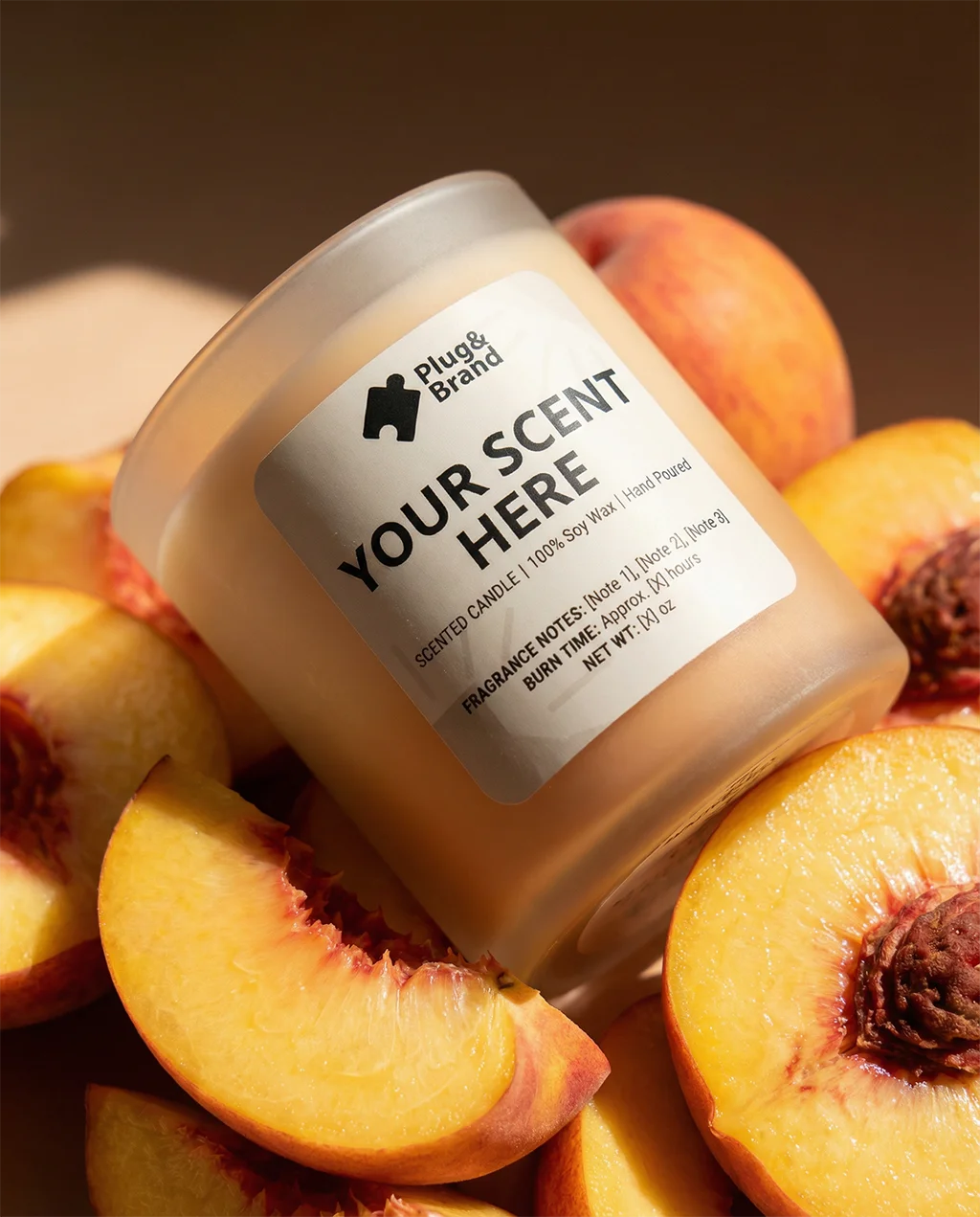
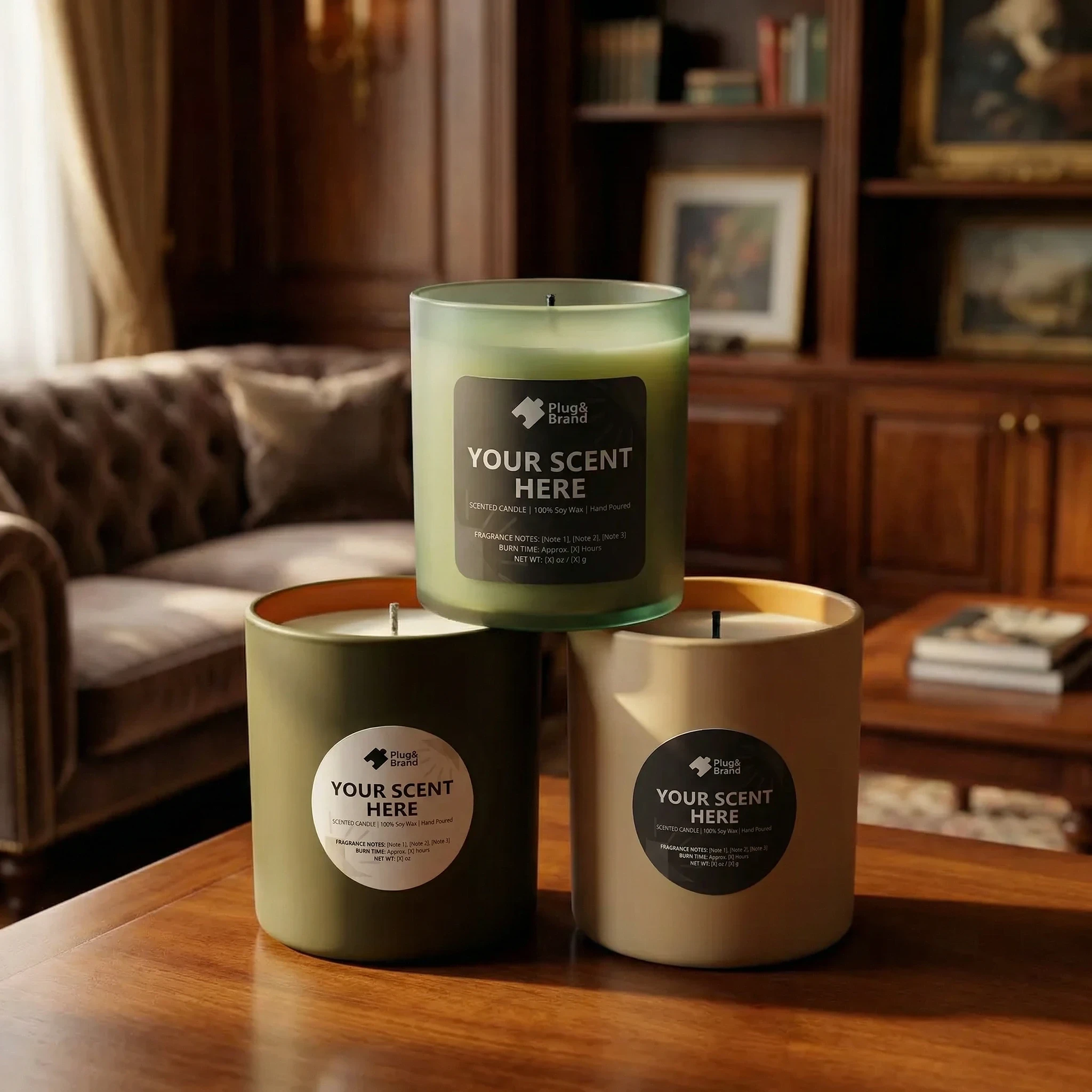
This gallery shows results that the workflow is capable of delivering.
Workflow ID